 017 1223 6015






 017 1223


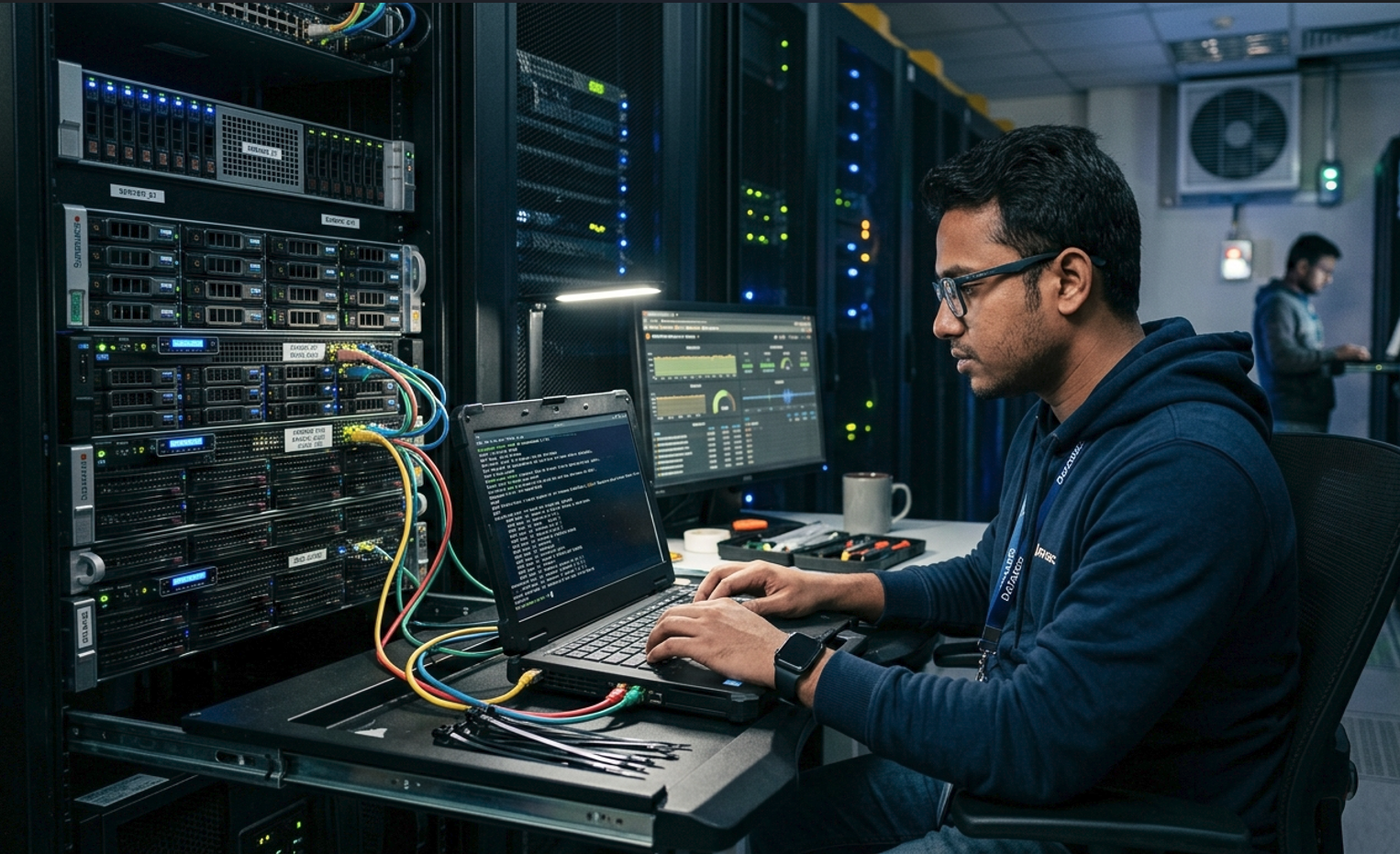
Server setup is far more than unboxing hardware and connecting cables. Done right, it means selecting the correct hardware for your specific workload, configuring it properly, integrating it with your network, securing it against threats, and making sure it can scale as your business grows. Done wrong, it means unexpected downtime, data loss, and repair costs that far exceed what proper planning would have cost in the first place.
Industry data consistently shows that more than 60% of unplanned server downtime traces back to improper initial configuration — issues that proper setup would have prevented entirely. In markets like Bangladesh, where power fluctuations add an extra layer of risk, getting this right from the start is not optional.
What Questions Should You Answer Before Setting Up a Server?
Before choosing a server, answer these five questions clearly:
- What will this server actually do? File storage, database hosting, virtualization, web serving, or a combination?
- How many concurrent users will access it at peak times?
- Where will the business be in 2–3 years, and does the server need to scale with it?
- Is the server room ready — stable power, UPS, adequate cooling?
- What is the budget, and is a certified refurbished enterprise server a viable option?
Skipping these questions is the single biggest reason businesses end up with servers that underperform, overheat, or need replacing far sooner than expected.
Tower Server vs Rack Server vs Blade Server: Which One Is Right for You?
Tower Servers
Best for small offices running one or two servers without a dedicated server room. Straightforward to set up and maintain, lower upfront cost, and easier to relocate if needed. The tradeoff is space and scalability — adding a second or third tower gets messy fast.
Rack Servers
The industry standard for growing businesses. Space-efficient, cable-management-friendly, and designed to stack as you add capacity. If you expect to add servers within the next few years, start with rack infrastructure. This is the most common setup in Bangladeshi ISPs, corporate offices, and data centers.
Blade Servers
High-density computing for large enterprise environments where centralized management and power efficiency matter more than upfront cost. Generally not the right starting point for most small or mid-sized businesses.
Step 1: Power and Cooling — Get This Right Before Anything Else
In Bangladesh, power management is the most underestimated part of server setup. Voltage fluctuations and load shedding are genuine hardware killers — not theoretical risks. A server that runs hot or gets hit with repeated voltage spikes loses years off its useful life.
Key points to address before powering on any server:
- Size your UPS at 1.5× the server’s power draw to handle both regular outages and surge protection.
- Choose servers with dual (redundant) power supplies — if one PSU fails, the server keeps running without any downtime.
- Keep server room temperatures between 18–27°C.
- Separate hot-aisle and cold-aisle airflow so cooling systems work efficiently rather than fighting each other.
Step 2: RAID Configuration — The Foundation of Data Protection
RAID (Redundant Array of Independent Disks) protects your data from drive failures. Each level makes different tradeoffs between performance, capacity, and redundancy:
RAID 0 — Performance Only
Stripes data across drives for maximum speed. Zero redundancy — one drive fails, everything is lost. Only use for non-critical, easily replaceable data.
RAID 1 — Full Mirroring
Writes identical data to two drives simultaneously. If one fails, the other takes over instantly. Ideal for OS drives and critical system volumes.
RAID 5 — Balance of Performance and Protection
Requires minimum three drives. Can survive a single drive failure without data loss. The right choice for most business file and application servers.
RAID 10 — Maximum Performance Plus Redundancy
Combines mirroring and striping. Best for database servers and high-transaction workloads. More expensive, but the most reliable option available.
Step 3: Network Configuration and Testing Before Go-Live
Before any server goes into production, test the following thoroughly:
- Network throughput using iperf or a similar tool to verify actual speed versus expected
- Latency and packet loss across all network paths
- Firewall rules — confirm only necessary ports are open
- VLAN configuration if applicable
- DNS and DHCP settings are correct and resolving as expected
Catching a misconfiguration before production traffic depends on it saves hours of emergency troubleshooting later.
Step 4: Firmware and BIOS Updates — Do This Immediately
Even brand-new servers often ship with outdated firmware. On Dell PowerEdge servers, update iDRAC and BIOS on day one. On HP ProLiant, update iLO and System ROM. This delivers current security patches, bug fixes, and hardware compatibility improvements — none of which should wait until after you have production data on the machine.
Step 5: Set Up Monitoring From Day One
Set up monitoring before you put any workload on the server. Popular free options include Zabbix, Nagios, and Prometheus. At minimum, monitor:
- CPU utilization
- RAM usage
- Disk space and I/O performance
- Network traffic in and out
- Hardware temperatures
Configure threshold-based email or SMS alerts so you find out about problems before your users do.
New vs. Refurbished Enterprise Servers: Which Makes More Sense?
Enterprise-grade servers from Dell and HP are engineered to run continuously for years under heavy load. A certified refurbished unit — one that has been tested, serviced, and recertified — can offer serious reliability at 40–60% less than the cost of new.
For businesses in Bangladesh watching budget closely, refurbished is often the smarter entry point, provided you buy from a supplier who offers warranty coverage and local after-sales support. Johan Computer carries both new and refurbished enterprise servers with local warranty support, and can help match the right spec to your workload and budget.
Frequently Asked Questions About Server Setup
How long does server setup take?
A standard office server setup typically takes 1–3 days. Complex virtualization or cluster setups can take a week or more depending on scale and existing infrastructure.
Do I need an IT expert for server setup?
For initial setup — especially RAID configuration and network integration — yes. Getting those fundamentals right is worth the cost of professional help. Mistakes made during setup are far harder (and more expensive) to fix after production data is on the machine.
What is the most common server brand used in Bangladesh?
Dell PowerEdge and HP ProLiant rack servers dominate the Bangladeshi enterprise market, valued for their reliability, availability of spare parts locally, and comprehensive remote management features.
How much RAM does a business server need?
It depends entirely on the workload. A file server for 20 users might run well on 32GB. A virtualization host running 10 VMs might need 256GB or more. Always size RAM for your projected workload 2–3 years out, not just today’s needs.
What is the difference between a server and a regular PC?
Enterprise servers are built for continuous 24/7 operation under heavy load. They include ECC (error-correcting) RAM, redundant power supplies, hot-swappable drives, remote management interfaces (like iDRAC or iLO), and are designed to be rack-mounted in controlled environments. A regular PC is not designed for this level of sustained operation.